


Check your phone's IMEI
Learn everything there is to know about your phone
- Discover if your phone has been declared lost or stolen
- Find out the exact model of your phone instantly
- Discover if your phone has been declared lost or stolen

Comprueba si tu terminal está en nuestra base de datos de teléfonos reportados. Consulta limitada.
Informe oficial de Blacklist Iniciative. Averigua si está reportado o blacklisted por pérdida, robo o impago. Detallado por país y operador

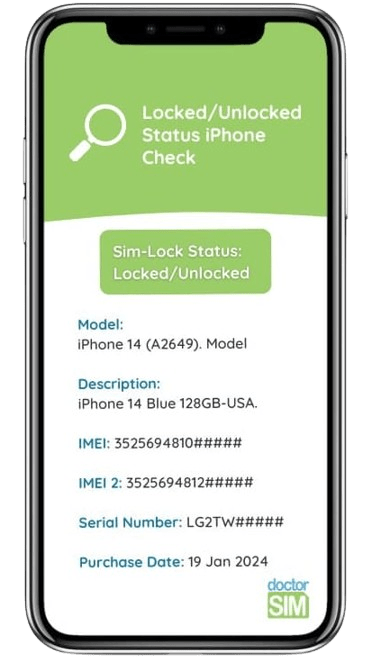
Verifica si tu iPhone está libre, antes de contratar tu liberación por IMEI con doctorSIM.

Averigua si tu móvil puede ser desbloqueado.
Recomendado antes de comprar un celular usado.
Averigua si tu móvil puede ser desbloqueado.
Recomendado antes de comprar un celular usado.
Averigua si tu móvil puede ser desbloqueado.
Recomendado antes de comprar un celular usado.

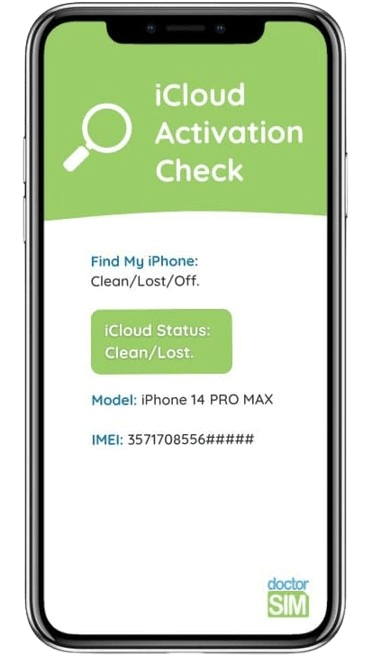
Comprueba si tu iPhone tiene una cuenta de iCloud activa.
¡Deberás saber las claves para poder usar el terminal!

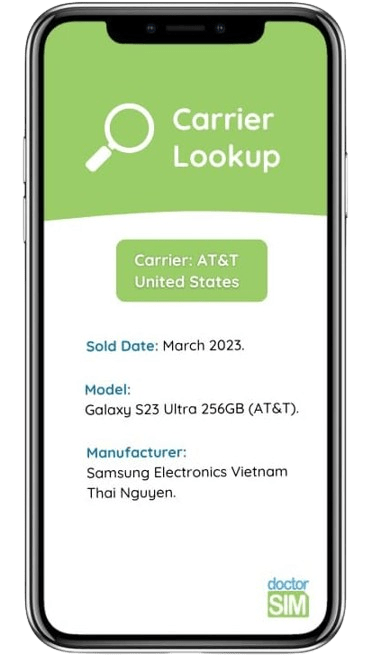
Averigua cuál es el operador de origen de tu terminal para solicitar tu liberación por IMEI con garantías.

Verifica si Xiaomi Mi Account está activo.
Chequeo rápido y oficial de Xiaomi.


Comprueba si tu terminal está en nuestra base de datos de teléfonos reportados. Consulta limitada.
How does it work?
- doctorSIM's IMEI phone checks are instant and anonymous.
- Find out if you cannot make calls because the phone has been blacklisted.
- Make sure you know the original operator before submitting your unlocking request.
- Check if your phone is already unlocked in seconds.
- See if a second-hand iPhone is iCloud locked before you buy it.
- Perform the necessary checks to unlock your phone without a hitch.
- All you need is the phone's IMEI number to request a check.
- Select your preferred 100% secure payment method.
+26,000 Opiniones acerca de doctorSIM
FAQs
What is the IMEI code and how do I get it?
The IMEI code is a 15-17-digit number which identifies your mobile phone device. It can be obtained by dialing *#06# on your phone's dial pad.
It's a unique serial number that identifies each device. That is why the IMEI code is absolutely necessary to check your device or to unlock it. To request an IMEI check or a network unlock, you will need the first 15 digits of your IMEI code, even if it's longer than that.
IMEI stands for "International Mobile Equipment Identity", and it has the following structure:
- TAC (Type Allocation Code) - the first 6 digits
- Final Assembly Code (FAC) - digits 7 and 8 refer to the manufacturer
- SN (Serial Number) - the next 14 digits
- Spare - the last digit, it's just a verification digit.
How does the search by IMEI work?
In just a few seconds, we'll let you know the exact model of any phone for free so you can buy or sell it second-hand, or so that you introduce the correct model when making a request to unlock your phone.
For some checks, we will let you know of an equivalent model you can indicate to unlock your phone from its current network provider so you can use it with any network in the world.
You can also check the current status of your phone to see if it has been blacklisted or blocked by the network provider, if the warranty is intact, and for iPhones, if the iCloud Activation Lock has been enabled.
Where can I see if my phone is blacklisted?
To run the blacklist IMEI check, you need to make sure you got the right IMEI, by dialing *#06# on the dial pad, and not from the box, invoice nor from the back of the device or under the battery.
Type it in the text box and the result will be displayed on screen.
In case of a doubt, we recommend you running a double check with the original carrier of the device as well, to ensure no issues are pending with them.



Escanéalo con tu móvil
Recargas más enviadas
Tarjetas Regalo más deseadas
Móviles más liberados
Todo sobre doctorSIM



 Selecciona tu Idioma